Stylized water materials
The owned Sorolif/RTS Terrain/Stylized Water shader provides the general biome styles.
Snow uses the separate Sorolif/RTS Terrain/Snow Water shader; see Glacier water.
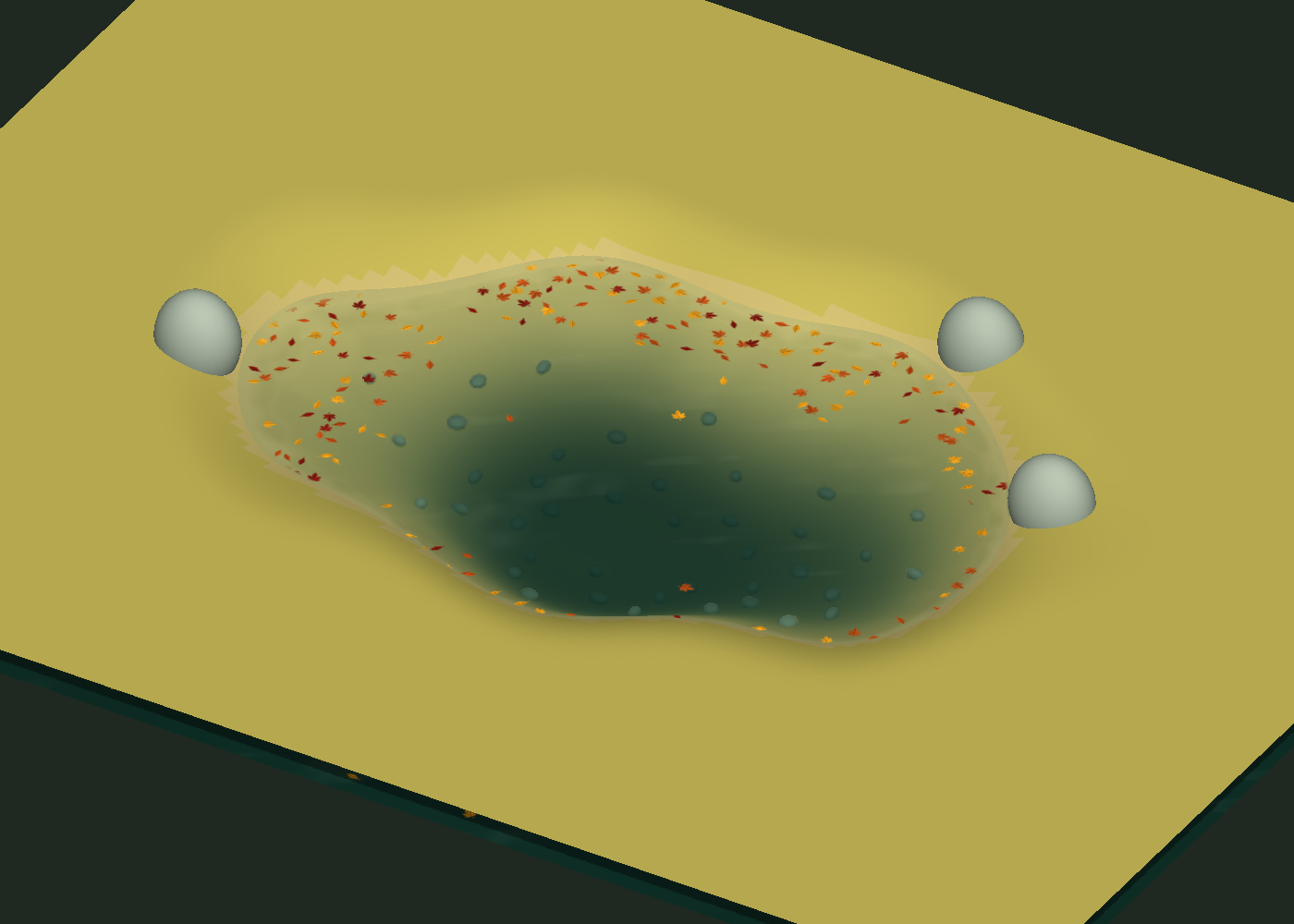
Autumn uses Sorolif/RTS Terrain/Autumn Water, with clear woodland water and
floating bank leaves; see Autumn water.
The release supplies four biome water styles, referenced by the corresponding
biome presets. Forest uses Sorolif/RTS Terrain/Forest Water; Tropical uses the
general Stylized Water shader; Snow and Autumn have their dedicated shaders.
Their materials and optional light/foam masks live under Art and remain editable.
| Biome |
Included water appearance |
| Forest |
Waves, crest foam, moving seabed light and fish silhouettes |
| Tropical |
Turquoise shallows, caustics and broken shoreline foam |
| Snow |
Cobalt/cyan depth, cold currents and breaking coastal ice |
| Autumn |
Woodland water with softly appearing floating bank leaves |
The shaders combine procedural patterns with optional supplied foam/light masks. Ripples affect shading and the presets add subtle rendered vertex
displacement, up to 0.035 world unit in the tropical style. CPU mesh vertices, water levels, colliders and
bridge fitting retain their generated positions.
The dedicated Snow preset uses cobalt depths and transparent cyan shallows. Its currents, ice and shore breakup are independently adjustable. Snow_Water and WaterOnSnow share the style; the Tropical shader and materials remain independent. Snow's depth transition spans 2.2 units. Its own seabed light uses soft noise patches, rather than the general shader's Voronoi controls.
Assign a style
Choose a matching Biome preset, or assign an included material to
MapDefinition.WaterMaterial. A directly assigned material takes priority over
the biome. Duplicate a material into your own folder to customize it.
The starter wizard creates the new styles for new materials. Refresh preserves
existing user shaders, colors and settings. An existing project can assign one
of the included materials or explicitly reset a material using the preset API:
var water = new Material(Shader.Find(StylizedWaterPresets.ShaderName));
StylizedWaterPresets.Apply(water, BiomeType.Tropical);
definition.WaterMaterial = water;
Manage the lifetime of a runtime-created material in your project.
Camera and pipeline
Add StylizedWaterDepthCamera to your gameplay camera. It requests depth and
opaque scene color in Built-in and configures the public camera data of an active URP installation.
Demo and screenshot cameras already request depth.
Built-in makes one opaque-color copy before transparent rendering, shared by all
water draws on that camera, and releases its temporary target after rendering.
Disabling the helper removes only its own command buffers. URP uses its opaque
texture through camera overrides; the helper does not edit a pipeline asset.
Scene view cameras receive a transient helper when a map generator is present;
this does not save a component in the user's scene.
In the URP Renderer asset, set Copy Depth Mode to After Opaques, or use
Force Prepass. Depth must be available before transparent water is drawn.
After Transparents copies it too late for these effects. The camera helper
preserves your shared renderer asset and does not change this project setting.
The shader contains Built-in and optional URP passes. Package requirements skip
the URP code when URP is absent; the module does not require that package.
Native Editor rendering is checked in isolated projects on Windows Direct3D 12,
Unity 6000.2.13f1 / URP 17.2.0 and Unity 6000.4.1f1 / URP 17.4.0, in Forward and
Deferred. Terrain, vegetation and the four water shaders are covered together;
see URP shader setup and verification scope. Other pipelines
require separate validation.
Opaque seabed and banks provide the depth for shore effects. Without depth,
water retains its deep palette and ripples. _UseDepth disables depth effects
explicitly. Orthographic and perspective views use physical water depth along
the surface normal, keeping the palette consistent when the camera tilts.
Controls
For Forest Water, the Open Sea Waves section controls the larger crest
waves and their foam. Open Sea Start Depth is the resting distance from the
water surface to the seabed, in world units. Waves start beyond that depth and
reach full strength over Open Sea Depth Transition. For example, start 2
and transition 1 fades them in between depths 2 and 3. Start 0 preserves the
previous appearance at every depth. The same mask affects wave displacement,
normals, refraction and crest foam; the shallow/bank effects retain their controls.
Open Sea Distance From Shore is a separate horizontal clearance from land.
Both conditions must be satisfied. Crest Foam Height Threshold controls
which elevated parts of a wave produce foam; it is not a seabed-depth threshold.
Depth gating uses the generated water mesh's UV1 depth data, without an extra
texture or camera-depth read. Meshes without that metadata retain the previous
behavior; generate water through WaterGenerator to supply it.
- Deep/Shallow Water set colors and opacity. Shallow Depth Range controls
their transition in world units; Edge Transparency Depth fades the contact.
- Shore Foam Depth/Strength/Breakup Scale shape an irregular foam rim.
Foam Lace Contrast opens small water holes between denser white patches;
zero retains the softer original rim. Rolling Shore Foam adds travelling
bands that move from deeper water towards the bank. Shore Wave Speed
controls their arrival rate; zero freezes this shoreward motion.
- Flow Direction X Z and ripple scale/speed/normal strength set motion.
This is a shared artistic flow direction for the material.
- Visual Wave Height adds small rendered swells without changing water
physics or CPU geometry. Zero keeps the previous flat rendered surface.
- Refracted Bed Blend composites the visible opaque bed and props through
the water. Bed Distortion displaces that image with the moving normals;
the tropical default is restrained. Distortion fades at contact and rejects
samples above the surface to keep banks from bleeding into the water.
Refraction needs the camera helper (or URP opaque/depth textures); it falls
back to ordinary alpha transparency when these buffers are absent. Objects
rendered only in the transparent queue are not part of the opaque-color copy.
- Sun Glint, Fresnel Reflection and Sky Reflection Tint control the
stylized light response. The sky reflection is a color-based Fresnel effect.
- Shallow Caustics adds light patterns over the visible shallow bed and
fades with depth. Caustics Visible Depth extends their reach into clearer
water; Caustics Flow Distortion bends the light network into animated
filaments. Caustics Diffusion softens the highlights. With refraction,
caustics illuminate the captured bed rather than covering it with a bright
surface lattice. Set strength to zero to disable this per-pixel work.
- Seabed Voronoi Blur, under Underwater Light, blurs only the caustic
light network projected on the depth-reconstructed seabed. Its radius is in
world units: 0 retains the sharp pattern, 0.10 is the Tropical default,
and 0.20–0.30 gives a more diffuse glow. Bed textures and shore foam stay
sharp. This is independent of Caustics Diffusion, which also bends the
animated pattern. The filter broadens and reduces the light peaks in a single
Voronoi evaluation; it does not add a full-screen blur pass.
- Surface Film adds drifting colored patches. Custom styles can use olive variation
with caustics disabled.
- Animation Time uses the running clock at -1. Nonnegative values freeze
animation for comparisons and screenshots.
Native previews
The calibration basin and illustrative rocks show the water independently of
the final environment props.
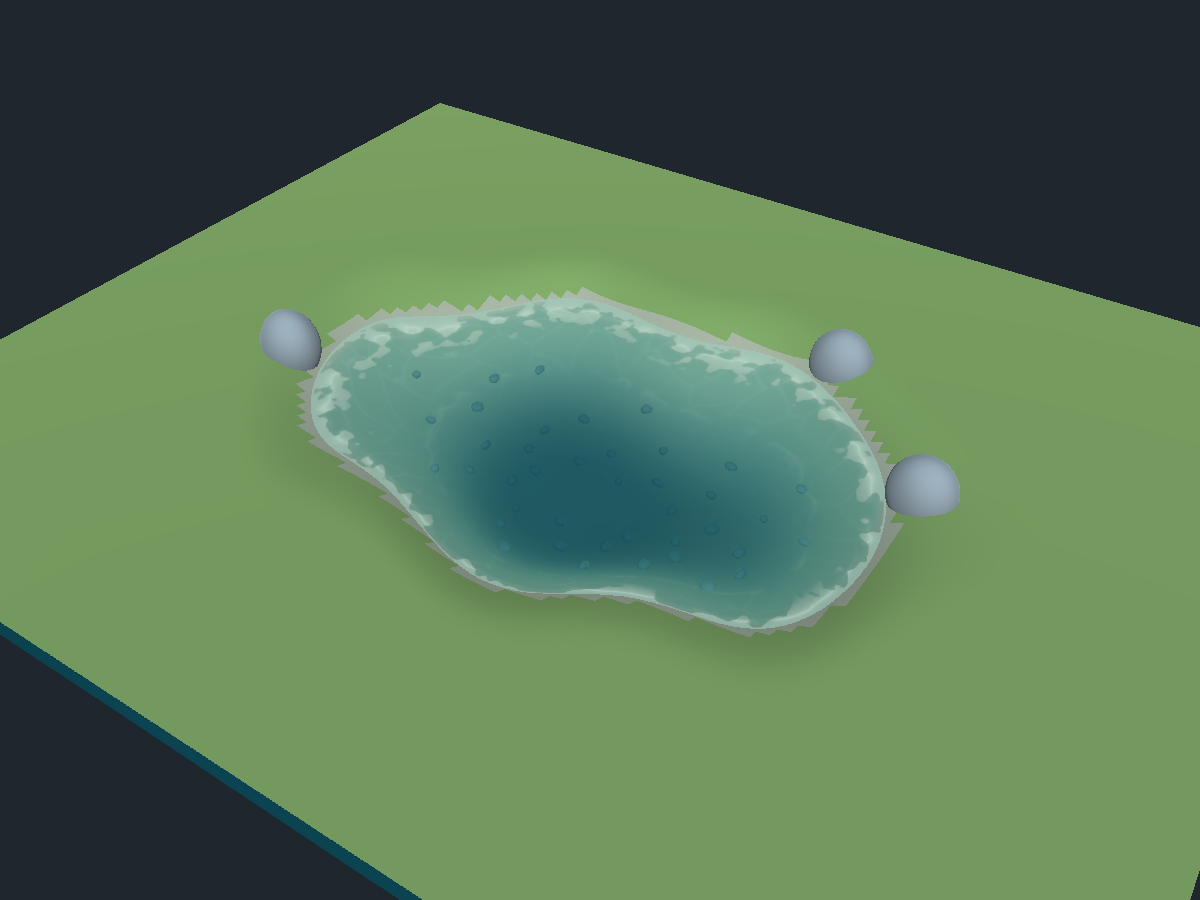
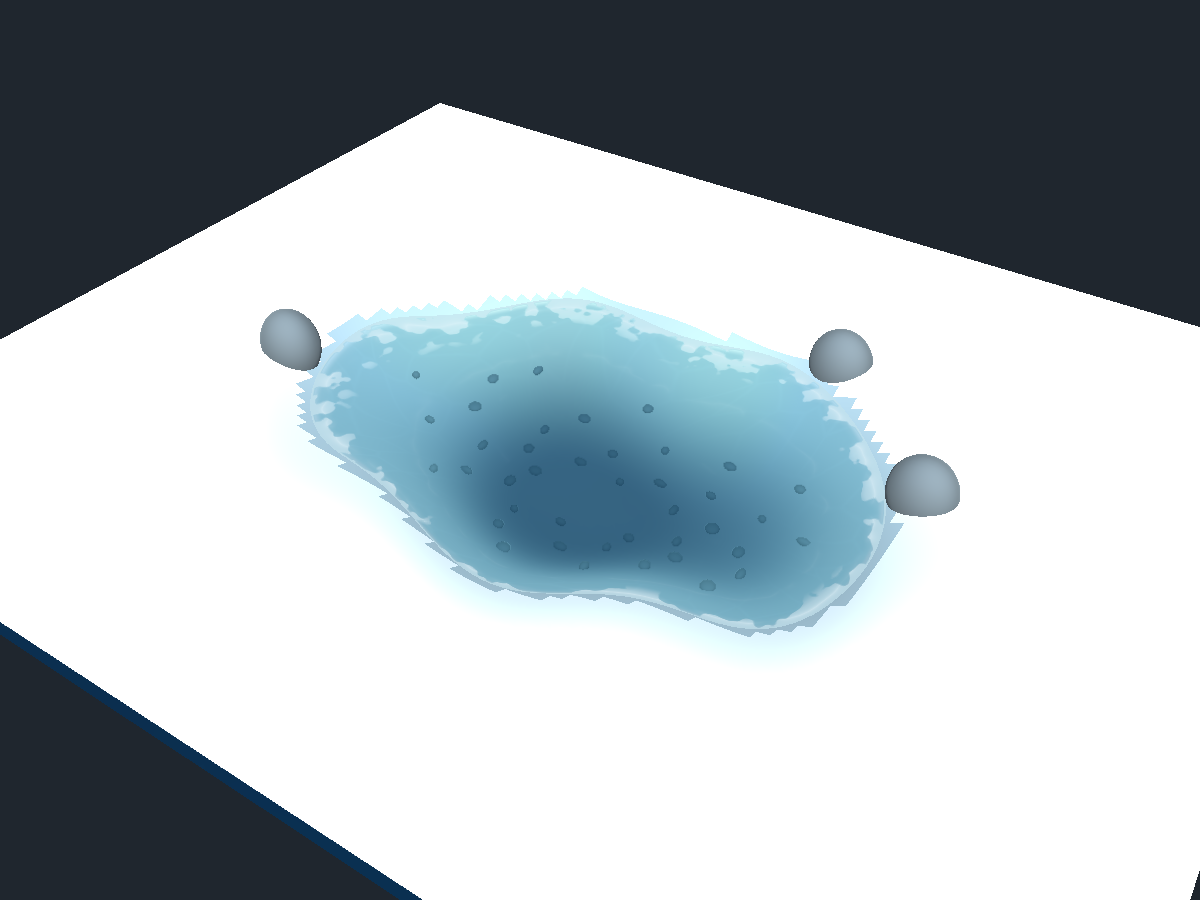
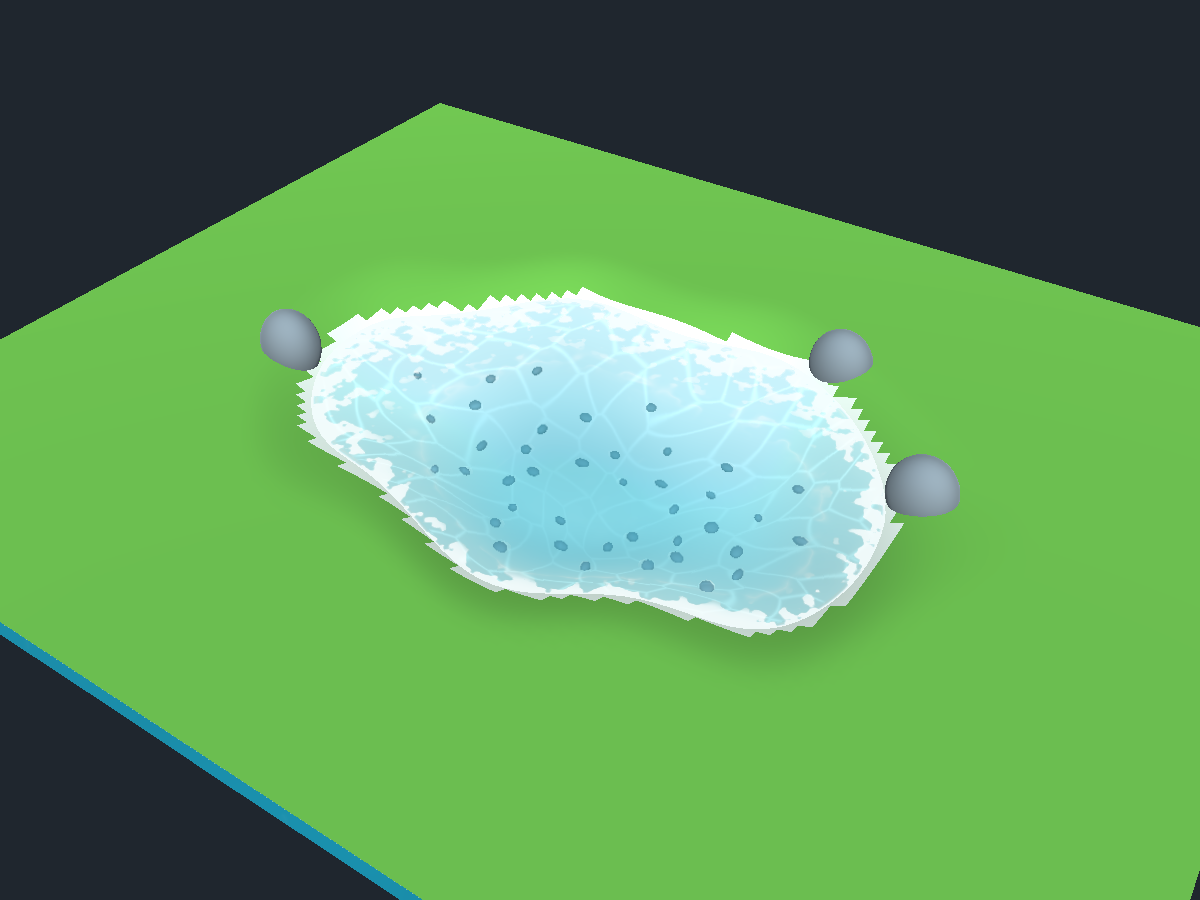
Tropical refinement — 19 October 2026
The tropical preset uses a lighter palette, lower shallow opacity, a longer
depth-color transition and more fragmented white foam. The blade/terrain meshes,
water height and collision are unaffected. The light network is entirely
procedural, with no copied reference textures or external shader dependency.
| Previous module material |
Refined tropical material |
 |
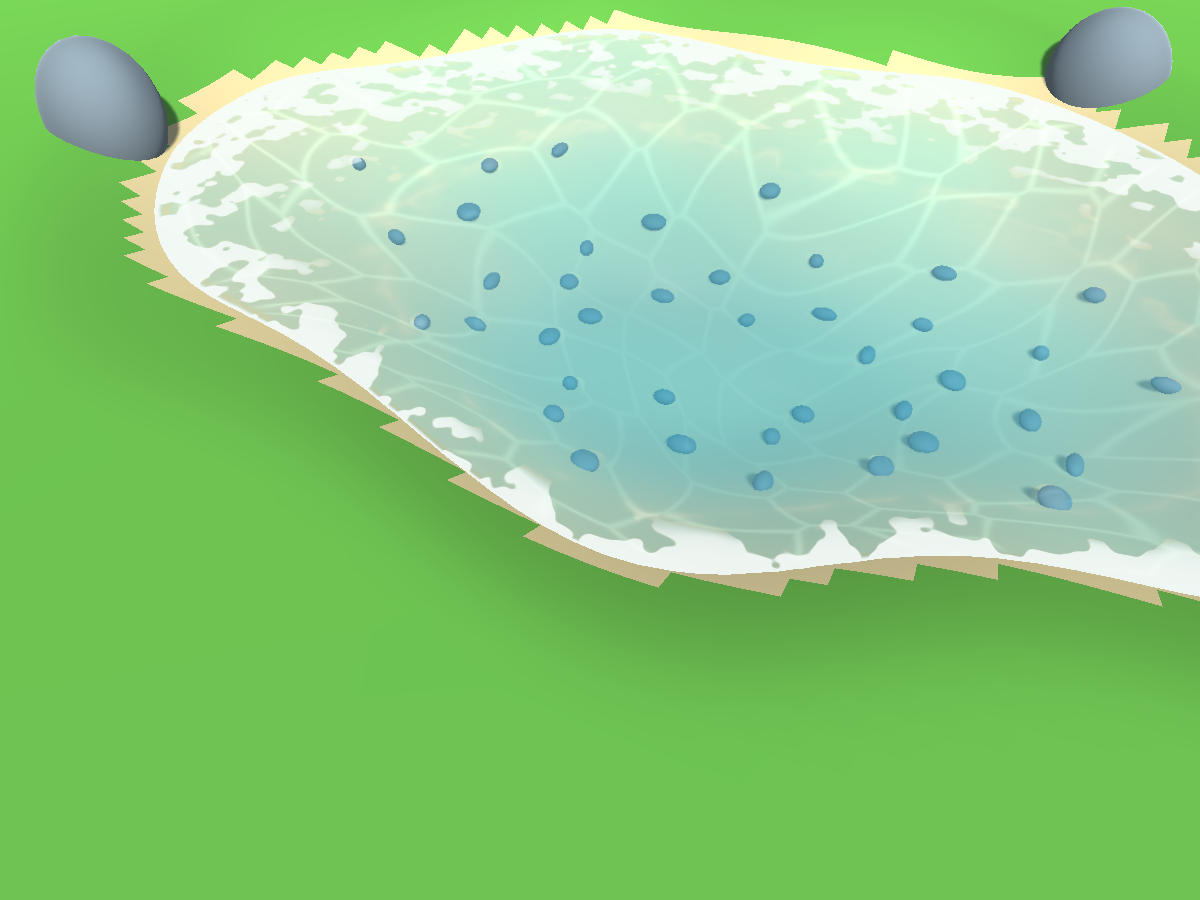 |
These native Unity views use the same calibration basin, camera and lighting.
The terrain and spheres are illustrative test geometry. Generated-map views
and Built-in/URP validation are included in the publisher report. Existing
custom materials keep their values: assign Art/Materials/Water/WaterTropical
to Water Material, or explicitly apply the tropical preset to a duplicate.
The tropical Starter material in this working project has also been updated.
The camera still needs depth before transparent water, as described above.
The old Starter demo scene in this workspace now includes the existing
StylizedWaterDepthCamera component on Main Camera; reopen that scene if it was
already open during the update. Other custom scenes should add the component to
their gameplay camera explicitly.
Tropical optics: scene color and animated bed
The tropical preset now refracts the actual opaque scene, including submerged
props. Bed Distortion is 0.014, Refracted Bed Blend is 1 and Visual Wave Height
is 0.035 world unit. Caustics Diffusion softens the light network. Distortion
fades near the shore and rejects above-water depth samples to reduce bleeding.
The neutral tropical seabed keeps the water blue instead of olive.
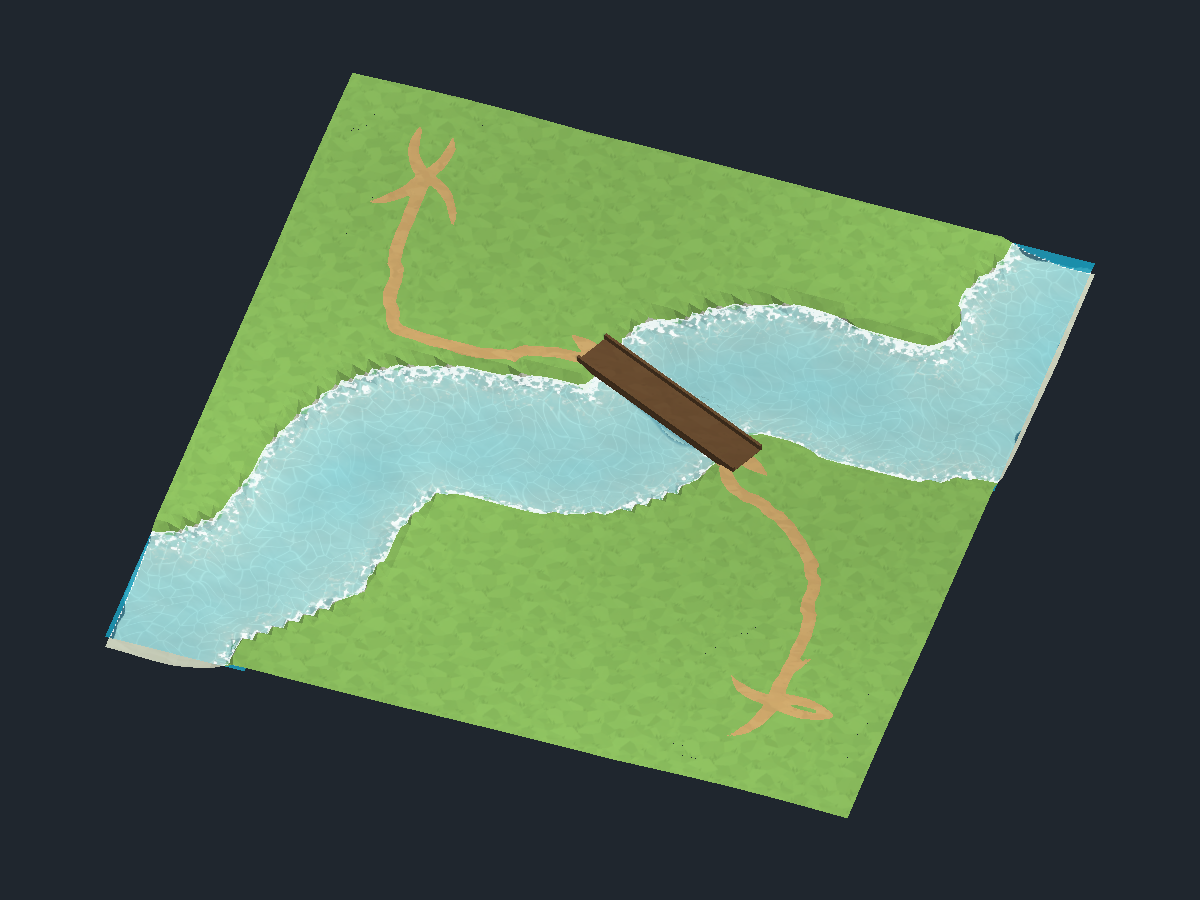
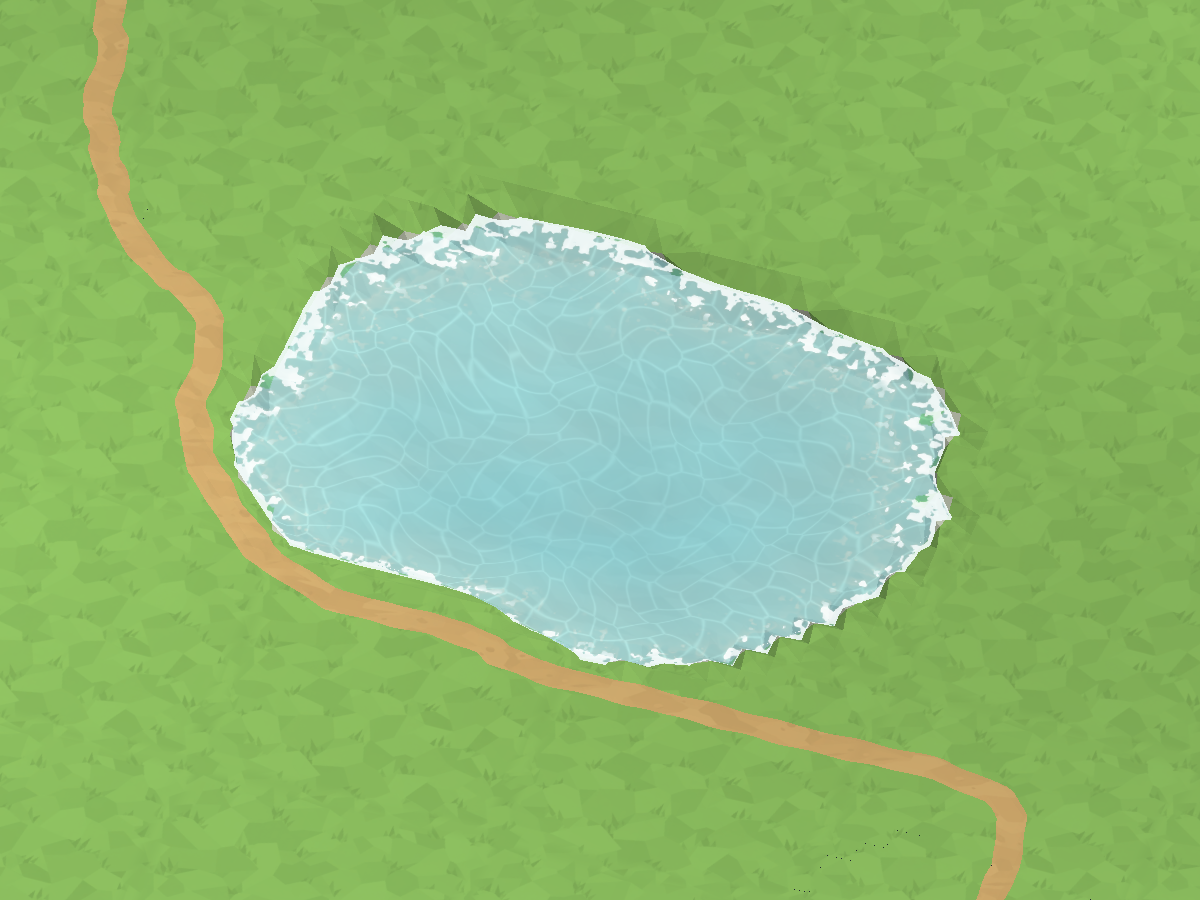
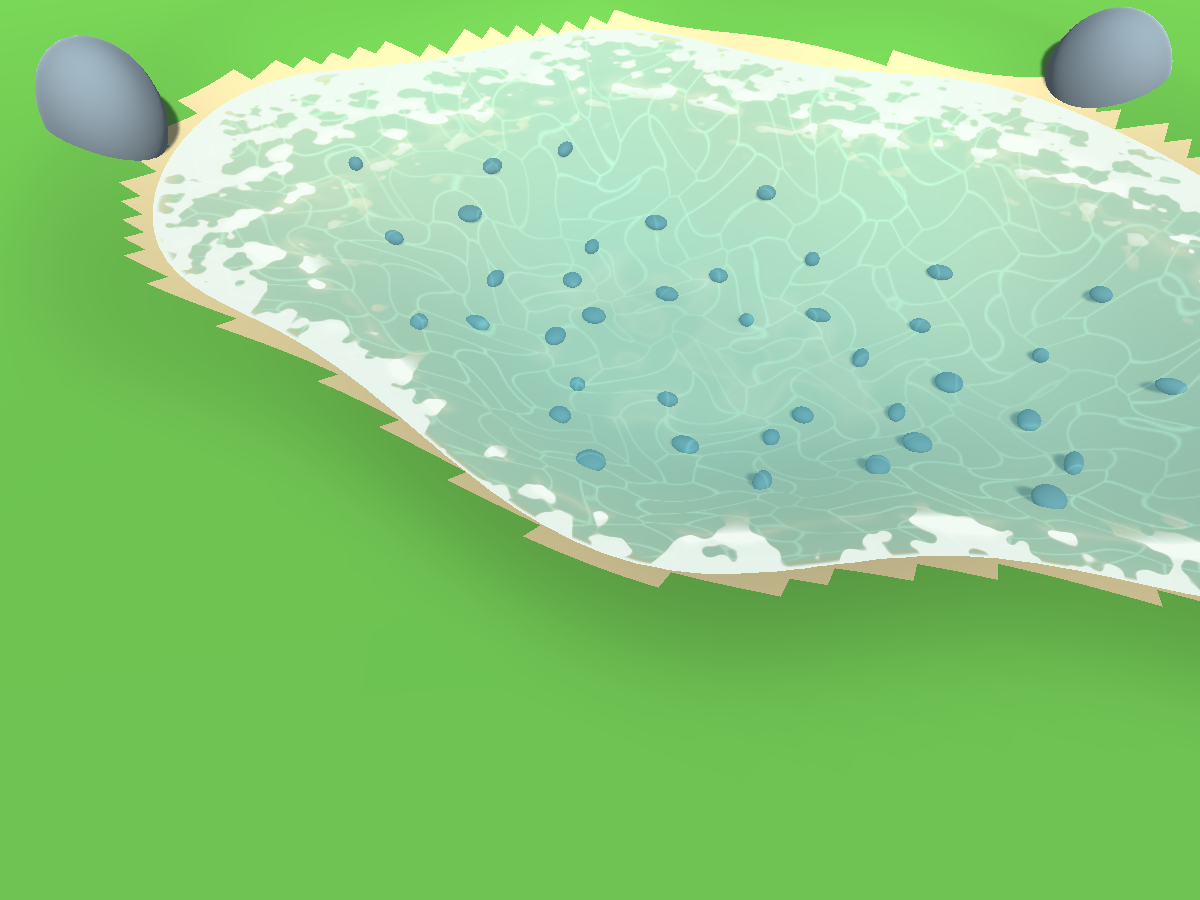
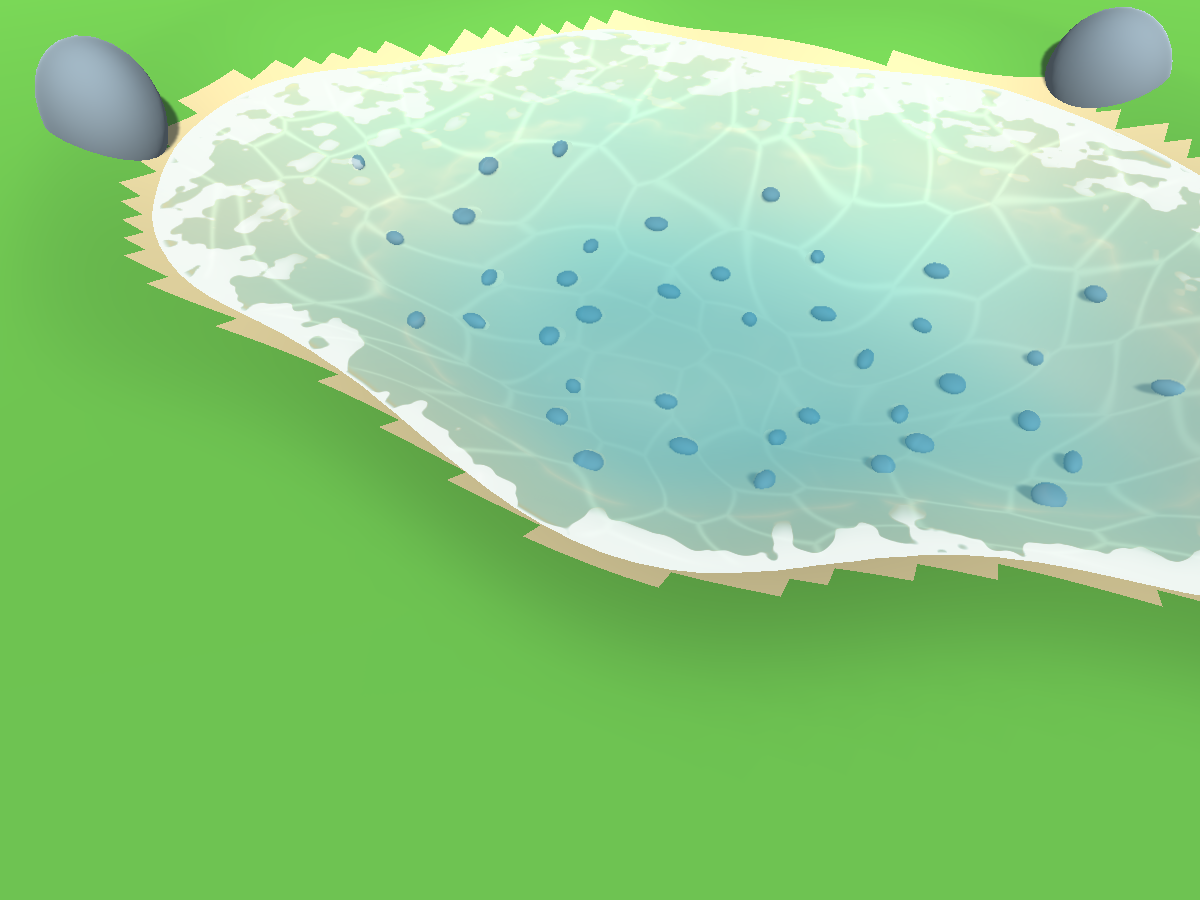
The native views use the real map generator. The shore comparison above uses
the same basin and lighting before and after. The second animation frame below
shows the moving foam, ripples and bed highlights. CPU water geometry and
colliders retain their physical heights.
Reflection polish and biome palettes
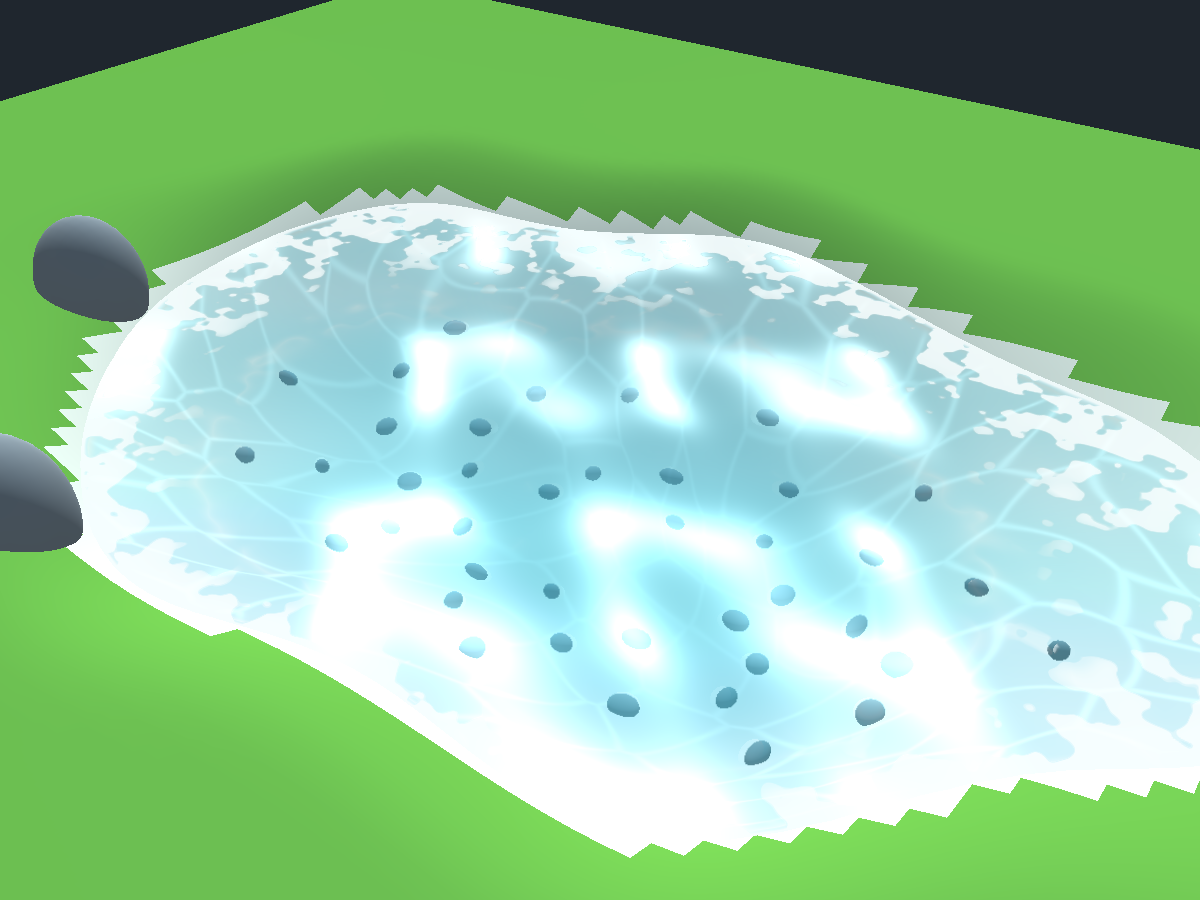
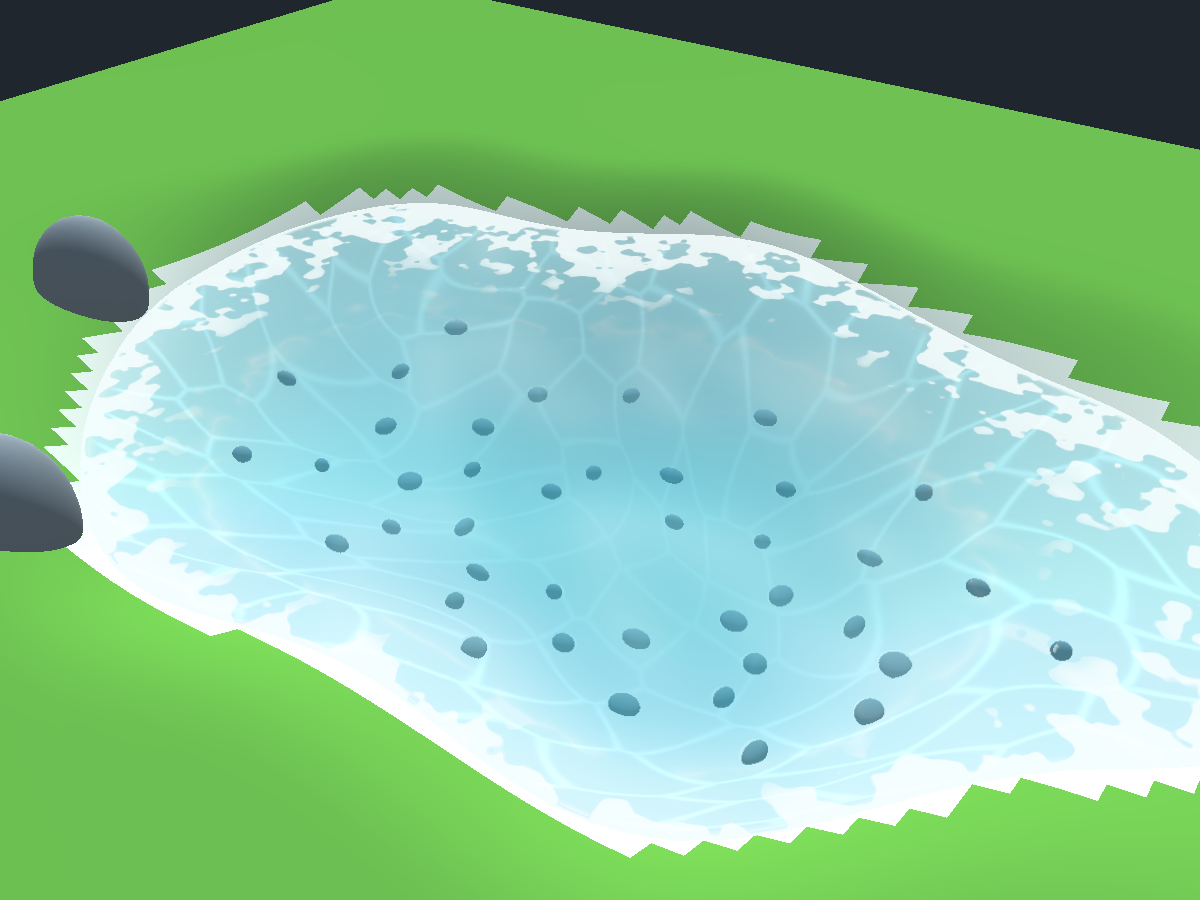
The sky tint and sunlight are composed as a separate surface coating after
transmission. They are not amplified by dividing by shallow-water opacity.
Sun glints are filtered at a distance, and the sky response uses gentler ripple
normals to avoid bright bands. Built-in and URP both reject refraction samples
above the water surface, including the colour filter footprint around them.
This prevents displaced outlines when the opaque colour is downsampled.
This is a stylized sky tint and direct sun highlight;
it does not trace mirrored scenery or add a reflection camera.
| Earlier tropical glare |
Corrected tropical reflections |
 |
 |
| Biome |
Character |
| Forest |
Blue-green water, neutral muddy bed, broken cream foam |
| Snow |
Cold blue depths, pale clear shallows, slow ripples |
| Tropical |
Existing turquoise palette, gentler reflections, animated bed light |
| Autumn |
Muted teal, warm shore foam and earthy bed |
Fluid Emission defaults to zero. A custom warm-fluid style can use it for a visible fluid
with no blue foam or caustics. It does not illuminate nearby geometry and does
not require bloom or a postprocessing package. Surface film masks part of this
emission to keep the cooling patches dark.
Only Forest, Tropical, Snow and Autumn presets are included in the release. Other enum values remain available for custom settings. Existing owned water/seabed material GUIDs are retained.
Future starter materials use the same palettes. Refresh still preserves existing
custom materials. Assign a matching included material when a direct override
currently points to a custom older one. Regenerate existing maps to refresh
any generated material copies.
Forest caustics and lake shores
Forest water uses the included ForestCaustics light mask for moving seabed
filaments. Seabed Caustics Mask accepts a replacement texture; Seabed
Light Scale, Soft Seabed Light and Seabed Light Visible Depth control
its world size, intensity and depth fade. The included mask is imported at
512 × 512 with mipmaps. Warped, overlapping patches avoid visible tiling;
independent wave directions and wavelengths break up the surface pattern.
Existing custom masks survive preset application.
In procedural Lake mode, contested islands use their own organic coastlines.
The Lake group exposes Contested Island Radius Min/Max, Island Contour
Irregularity and Island Minimum Water Gap. Placement reserves space for
nearby player ramp landings before carving the lake. Beach shelves preserve
the water between islands, and resource working pads remain on connected land.
Other island layouts retain their existing generation rules.
Submerged Forest shoreline triangles use the seabed material. Grass placement
also rejects roots below the local water level, including dry cells covered
by the visual water border. Regenerate a saved map to update its terrain,
island positions and grass placements.
The views use an owned calibration basin, simple stones and the same lighting.
They demonstrate the materials independently of the final biome props.